The <CardGrid.OverlaidCard> component displays title and description overlaid
on top of an image.
It automatically adjusts to all card sizes supported by the <CardGrid>
component and gives you options to customize text position and appearance to best
fit the background image.
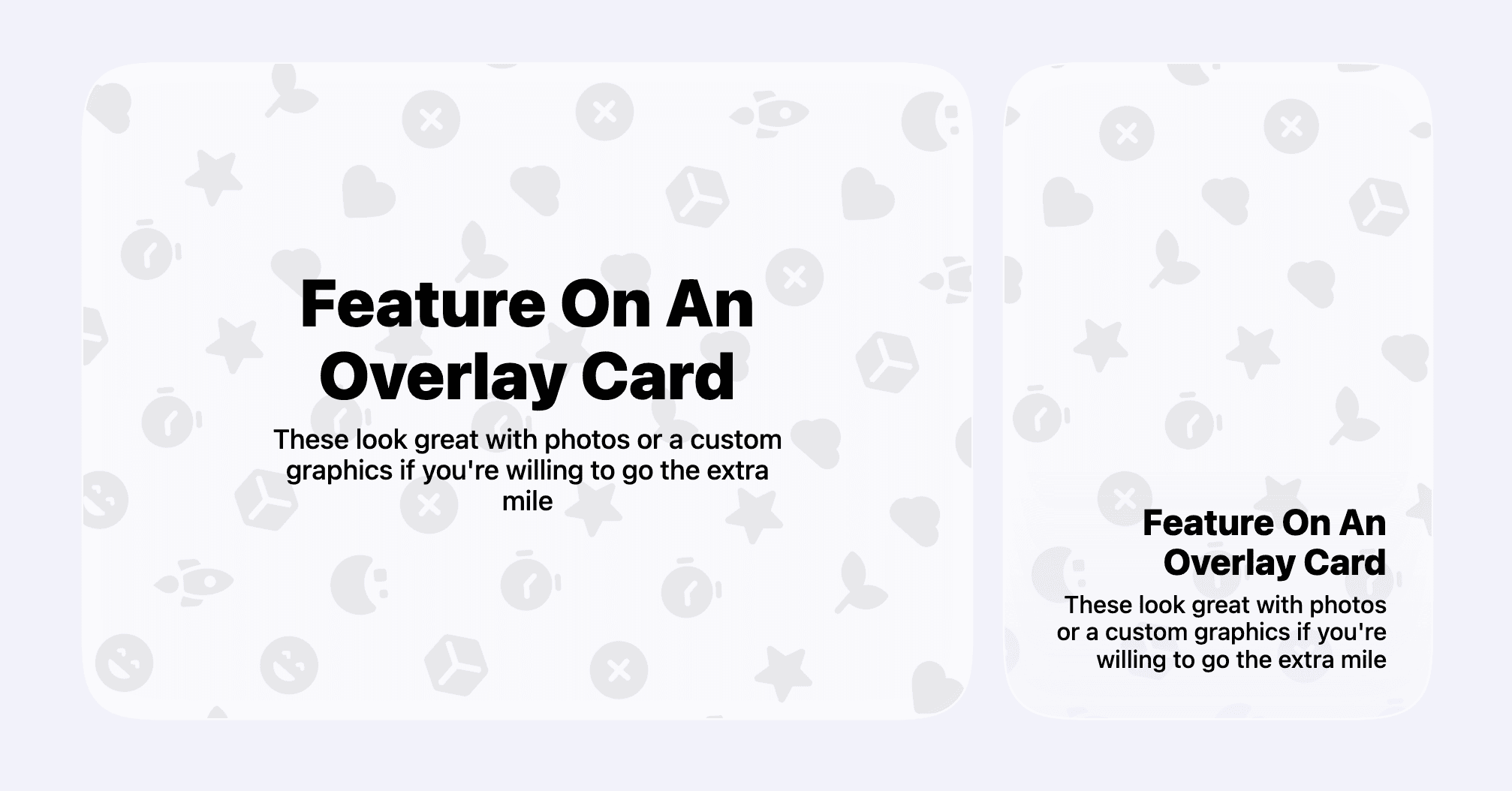
A great use case for this type of card is showing text overlaid on top of a photo where your app is visible on a physical device. It adds a nice visual element and draws a lot of attention in a card grid.
<CardGrid.OverlaidCard
  maxWidth="half"
  imageSrc="/background.png"
  title="..."
  description="..."
  textAlignment="bottomLeading"
/>
Text color
Text can be overlaid on any image, light or dark. To ensure that text is always
legible, the <CardGrid.OverlaidCard> component adds a subtle backdrop and
automatically adjusts the text color based on the brightness of the background
image.
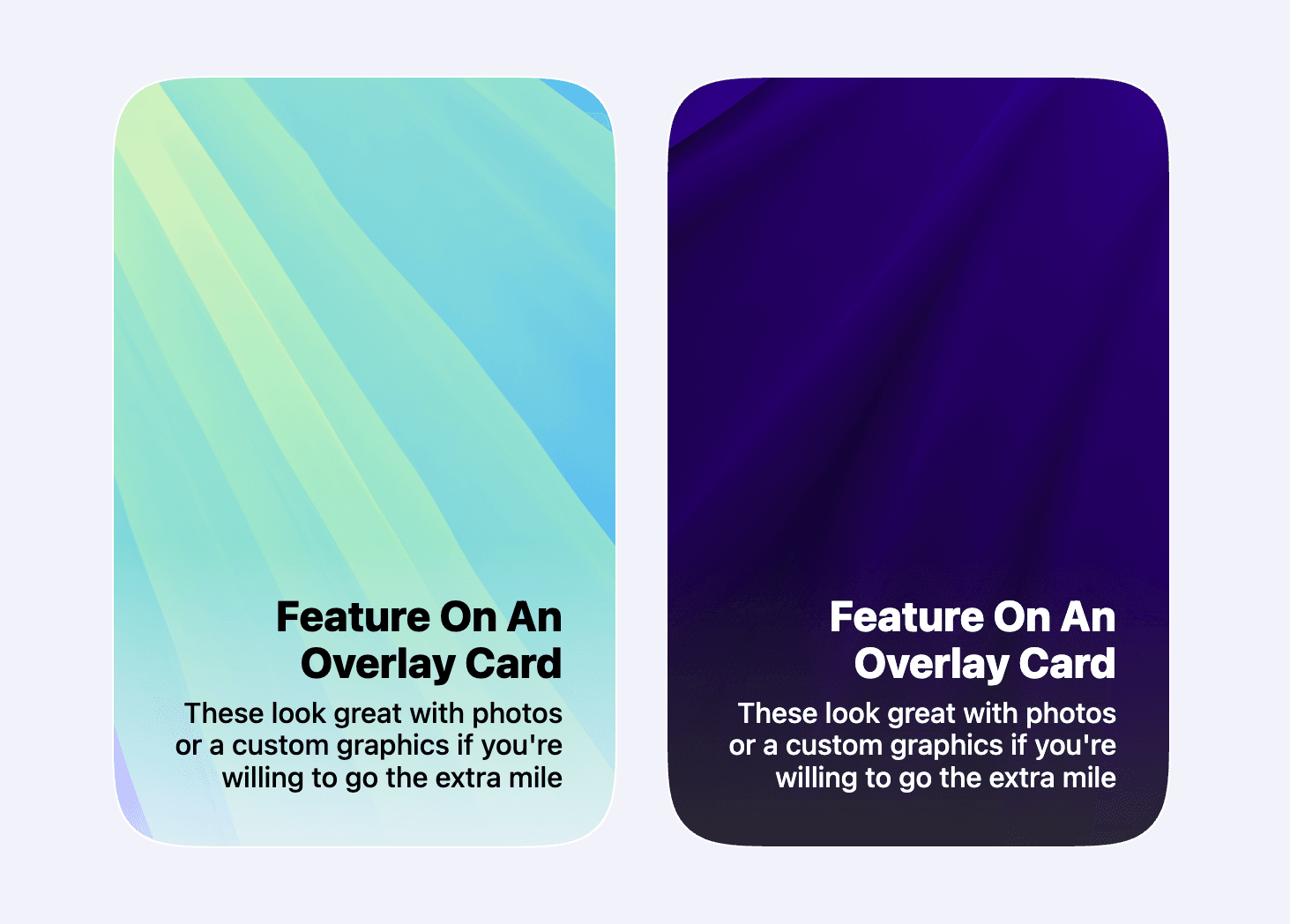
If the automatic selection doesn’t work well with your image, you can manually
set the text color using the textColorTheme property, which takes either
light or dark.
Alternative image for dark and light modes
You can provide a separate image for dark and light modes if needed.
<CardGrid.OverlaidCard
  maxWidth="half"
  imageSrc="/image_light.png"
  imageSrcset={{ src: "/image_dark.png", theme: "dark" }}
  title="..."
  description="..."
  textAlignment="bottomLeading"
/>
Properties
| Property | Value | Description |
|---|---|---|
maxWidth | thirdhalftwoThirdsfull | Defines the maximum width of the card within the grid. See Custom card grid layouts guide for details on card sizes and how they are placed in a grid layout. |
title | string | – |
description | string | – |
imageSrc | string | URL of the background image. The image should be placed within the |
imageSrcset | {src: string; theme: 'light' | 'dark'} | An object specifying an alternative image URL for dark or light mode. See Alternative image for dark and light modes section for details. |
titleFontStyle | sanscursivewhimsicalroundedmono | Customizes the font style of the title text. Works the same as in
|
textAlignment | centertopLeadingtopCentertopTrailingbottomLeadingbottomCenterbottomTrailing | Controls the position and alignment of the title and description within the card. |