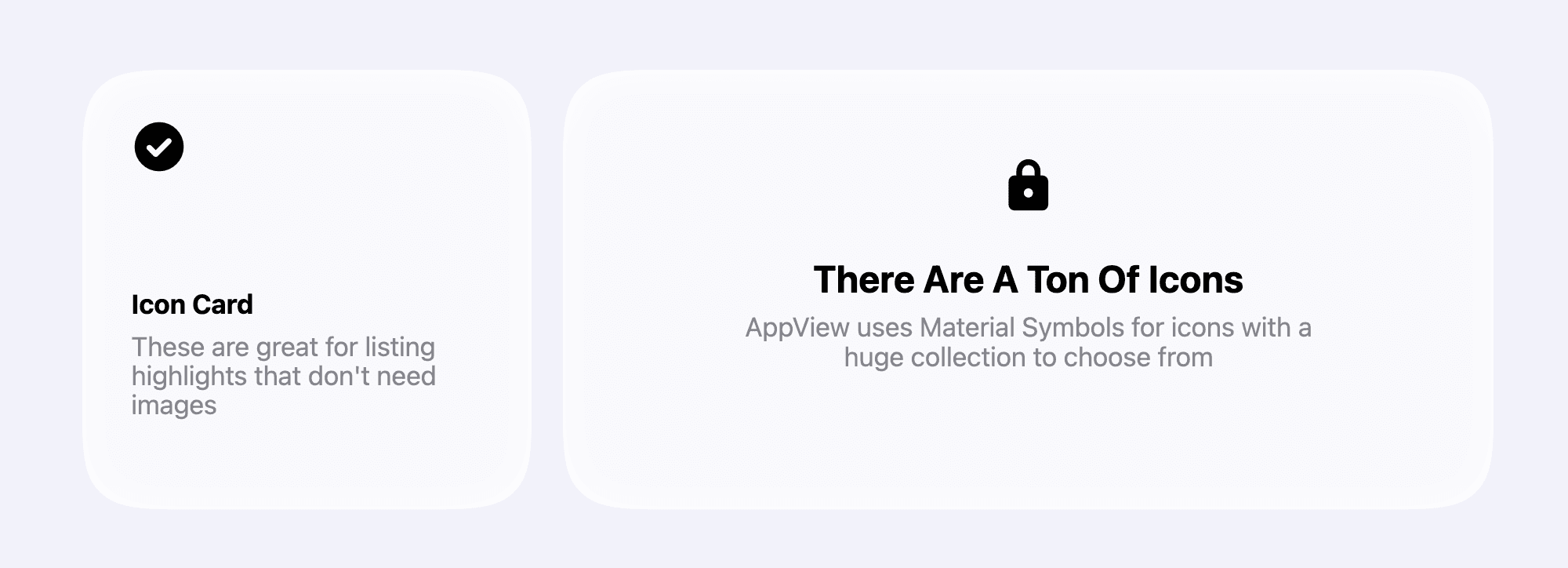
The <CardGrid.IconCard> component is a minimal card with an icon, title and
description. It automatically adjusts content size and position to all card
sizes supported by the <CardGrid>.
<CardGrid.IconCard
  maxWidth="half"
  iconName="star"
  title="..."
  description="..."
/>
Icon options
AppView uses Material Symbols for all icons,
you can pick any icon from their library and use its name as the value for the
iconName property.
When you want to use a new icon from the Material Symbols library, make sure to
add it first to the MATERIAL_SYMBOLS list inside src/constants.ts. AppView
reads that list and downloads only the necessary icons to keep your website size
small and improve loading speed.
Check the Icons guide for more details.
Properties
| Property | Value | Description |
|---|---|---|
maxWidth | thirdhalftwoThirdsfull | Defines the maximum width of the card within the grid. See Custom card grid layouts guide for details on card sizes and how they are placed in a grid layout. |
title | string | – |
description | string | – |
titleFontStyle | sanscursivewhimsicalroundedmono | Customizes the font style of the title text. Works the same as in
|
iconName | string | Name of the icon from the Material Symbols library. See Icons guide for details on how to add new icons. |