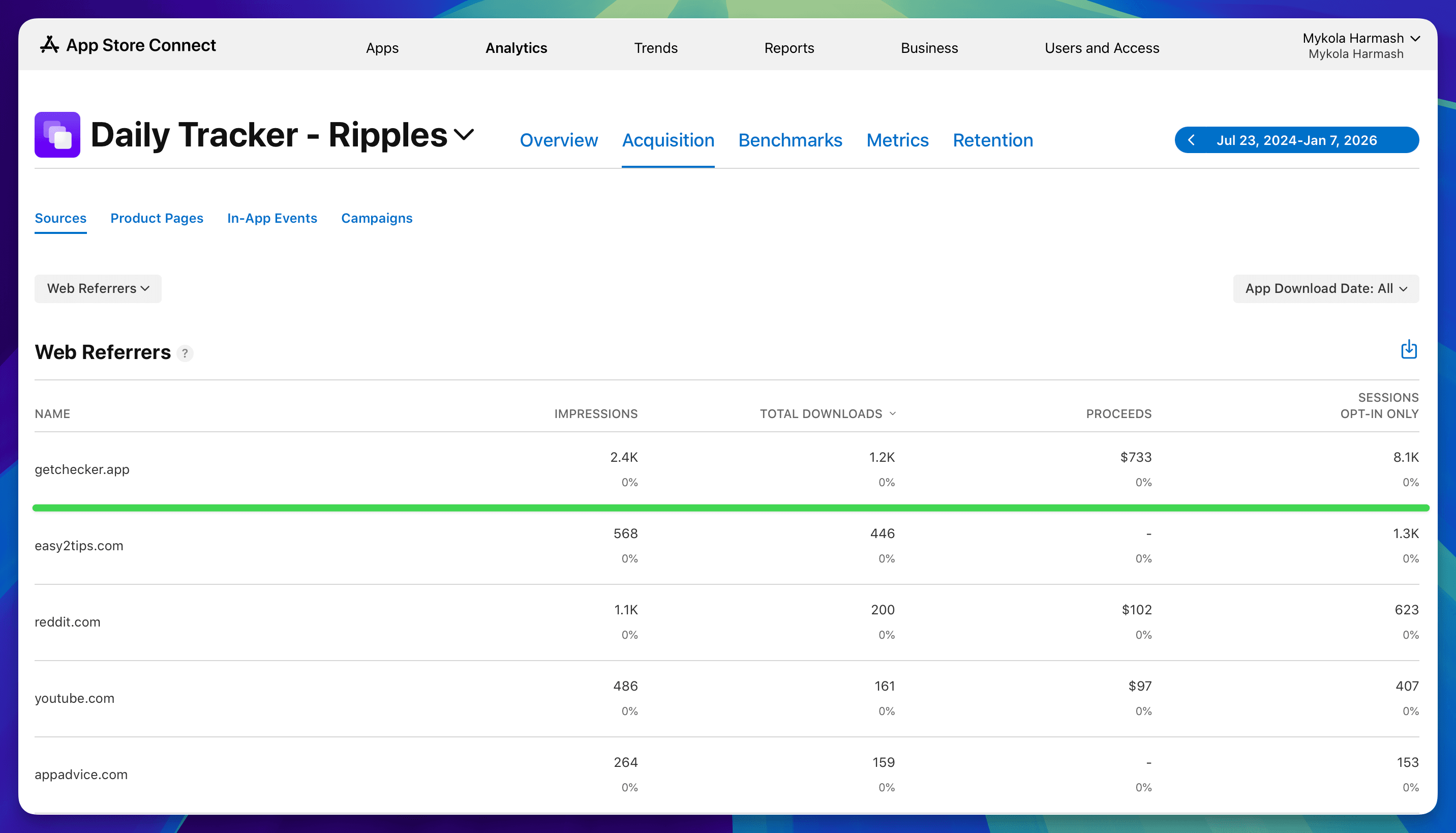
Having release notes on your website is a great way to put out more content about your app. Over time, it will drive organic traffic from search engines and AI bots.
With my own apps, people that come from my app’s websites are the most engaged and most high-converting users.
Accessing release notes
Release notes are enabled by default in AppView and can be accessed at http://localhost:3000/release-notes URL when running locally.
This URL is not linked from anywhere by default, so if you want to use this
feature, make sure to add a link to the top navigation bar and/or footer inside
the app/(main)/layout.tsx file.
<Navbar
  icon={<AppIcon src="app_icon.png" />}
  appName="App Name"
  links={[
    { label: "Features", href: "#features" },
    { label: "Release Notes", href: "/release-notes" },
    { label: "Contact", href: "mailto:[email protected]" },
  ]}
  action={<DownloadActionButton />}
/><CompactFooter
appIcon={
<AppIcon src="/app_icon.png" filter="grayscale" />
}
links={[
{ label: "Release Notes", href: "/release-notes" },
...
]}
/>Creating notes
All notes are stored inside the app/(main)/release-notes/content folder as
individual markdown files.
File names must follow the YYYY-MM-DD-title.mdx format where YYYY-MM-DD is
the publish date that will be displayed on the website along with the note title
and will be used to chronologically order the notes.
When you’re ready to create a new note, create a new file inside the
app/(main)/release-notes/content folder.
The content of the file can be any markdown text, and at the very top there
should be a front-matter block with the note’s title:
---
title: New features in this release
---

Text of the release note....
Pagination
By default, 5 release notes will be shown per page. You can adjust this number
by modifying the MAX_RELEASE_NOTES_PER_PAGE constant in src/constants.ts.
export const MAX_RELEASE_NOTES_PER_PAGE = 5;