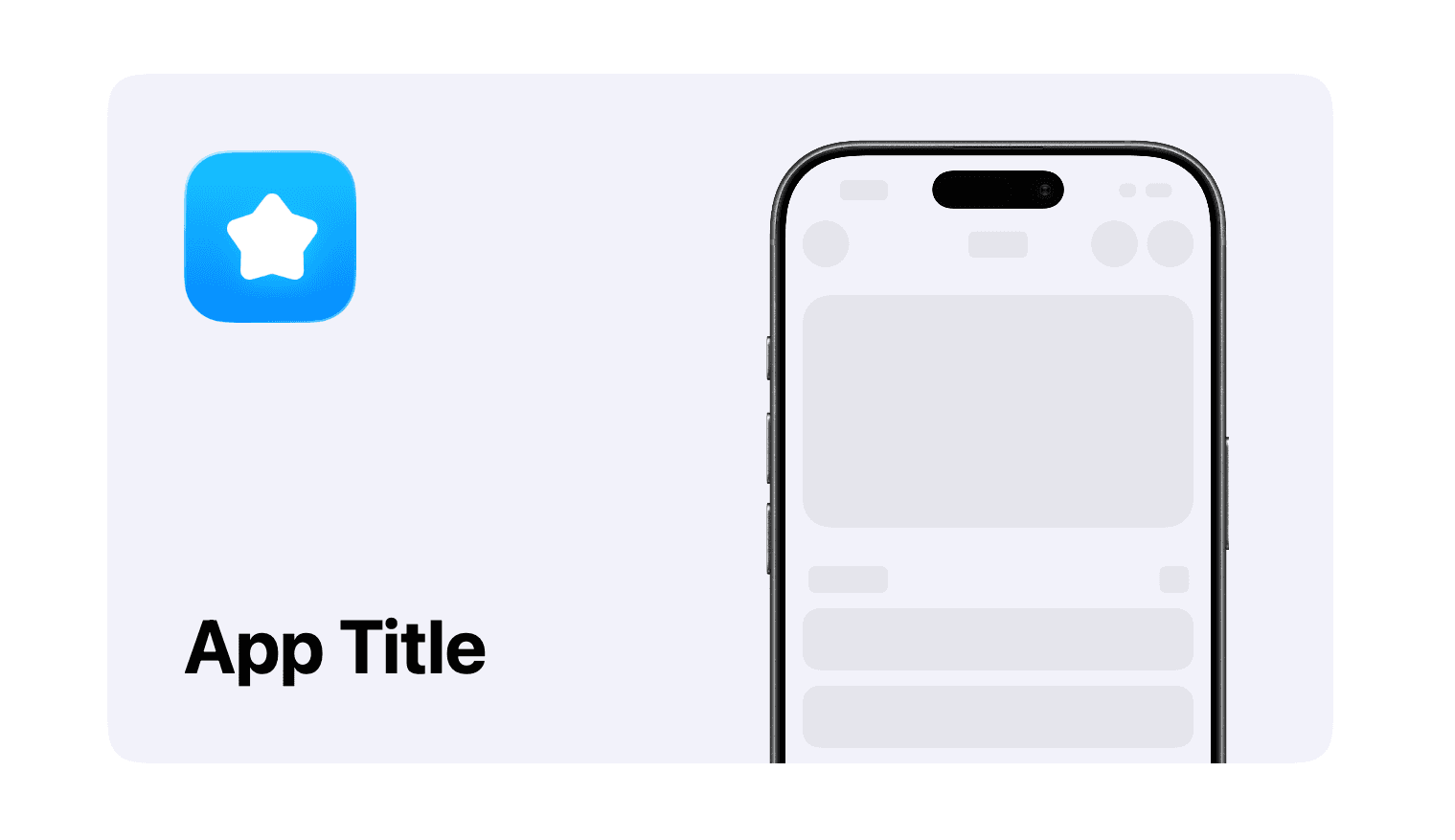
An Open Graph image is the preview people see when someone shares a link to your website on social media. It’s important to have this image look good, as it’s often the first impression people get of your app.
AppView comes with a tool to help you generate this image with minimal effort.
Prepare the assets
You’re going to need your app’s icon inside the public/ folder and one good
screenshot of your app, also inside the public/ folder.
Open the preview
While the dev server is running, open http://localhost:3000/open-graph-builder in your browser.
You’ll see a preview of the Open Graph image that you’re going to customize and instructions to generate the final PNG.
Customize the preview
Open app/(dev-tools)/open-graph-builder/page.tsx file and find the
<OpenGraphPreview> component.
<OpenGraphPreview
  title="App Title"
  iconSrc="/app_view/icon_placeholder.png"
  screenshotSrc="/app_view/screenshot_placeholder.png"
  bezel="iPhone 17 Black"
  bezelCrop={{ edge: "bottom", croppedRatio: 0.35 }}
  theme="light"
/>
Customize the properties with your app’s information.
Generate the image
While the dev server is still running, in another terminal window run:
npm run take-og-snapshotThis command will download a few dependencies, generate the final image and save
it at public/og-preview.png.
Update the metadata
The last step is to update other metadata to be displayed when your website is
shared. Open app/(main)/layout.tsx and find the metadata constant at the
top.
export const metadata: Metadata = {
  ...
}
Inside the metadata constant, update the following properties with your app’s info:
metadataBaseopenGraph.titleopenGraph.descriptionopenGraph.urltwitter.titletwitter.description
Done 🎉
People will now see a nice preview when they share your website link on social media.