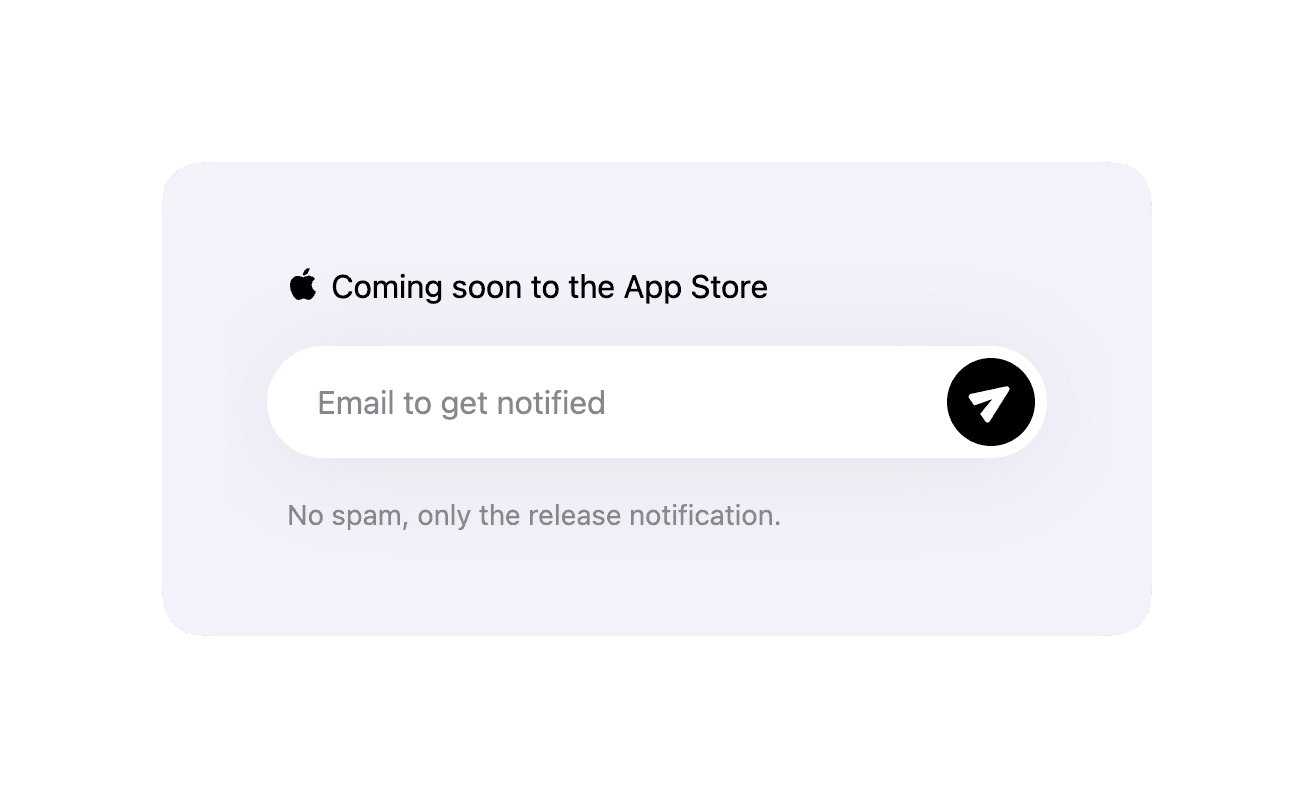
<EmailForm> component adds an email form integrated with an email marketing
service. For now only Loops is supported.
Most common use case for the email form is to collect emails for you app’s waitlist before the launch. See the Waitlist page guide for more details.
<EmailForm
  providerConfig={{
    provider: "loops",
    config: {
      formId: "your-loops-form-id",
    },
  }}
/>
<EmailForm> Properties
| Property | Value | Description |
|---|---|---|
header | stringReact.ReactNode | Custom header content rendered above the input. Defaults to the AppView header with the Apple logo and “Coming soon to the App Store” text. |
providerConfig | LoopsProviderConfig | Email provider configuration. For now, only Loops is supported. See properties for this configuration below. |
footerIdleMessage | string | Footer message shown before submission. Defaults to “No spam, only the release notification.” |
footerSentMessage | string | Footer message shown after a successful submission. Defaults to “Thank you! We’ll let you know when it’s ready to download.” |
LoopsProviderConfig
| Property | Value | Description |
|---|---|---|
provider | loops | – |
config.formId | string | Your Loops form ID. |
config.userGroup | string | Optional Loops user group to add subscribers to. |