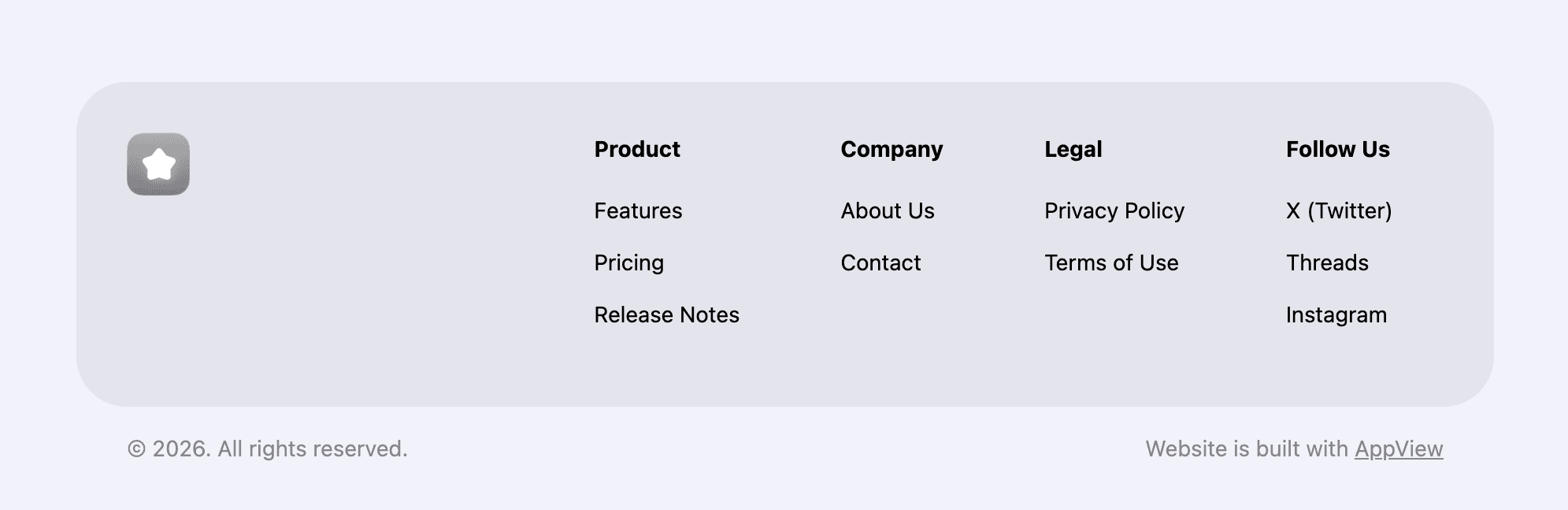
<MultiColumnFooter
  appIcon={<AppIcon src="/app_view/icon_placeholder.png" size={48} mask={true} />}
  footnoteLeading={<span>© 2025 Your App</span>}
  footnoteTrailing={<span>Privacy · Terms</span>}
>
  <MultiColumnFooter.Column
    title="Product"
    links={[
      { label: "Features", href: "#features" },
      { label: "Pricing", href: "#pricing" },
    ]}
  />
  <MultiColumnFooter.Column
    title="Company"
    links={[
      { label: "Support", href: "/support", external: true },
      { label: "Contact", href: "/contact", external: true },
    ]}
  />
</MultiColumnFooter>
<MultiColumnFooter> Properties
| Property | Value | Description |
|---|---|---|
appIcon | <AppIcon> | See <AppIcon> component reference for more details. |
footnoteLeading | stringComponent | Optional content shown on the left side of the footnote row. |
footnoteTrailing | stringComponent | Optional content shown on the right side of the footnote row. |
<MultiColumnFooter.Column> Properties
| Property | Value | Description |
|---|---|---|
title | string | Column heading text. |
links | { label: string; href: string; external?: boolean }[] | Column links. Use |