A favicon is a small image that you see in the browser tab next to the page title.
AppView has a built-in command to generate a favicon from your app’s icon.
Prepare your app icon
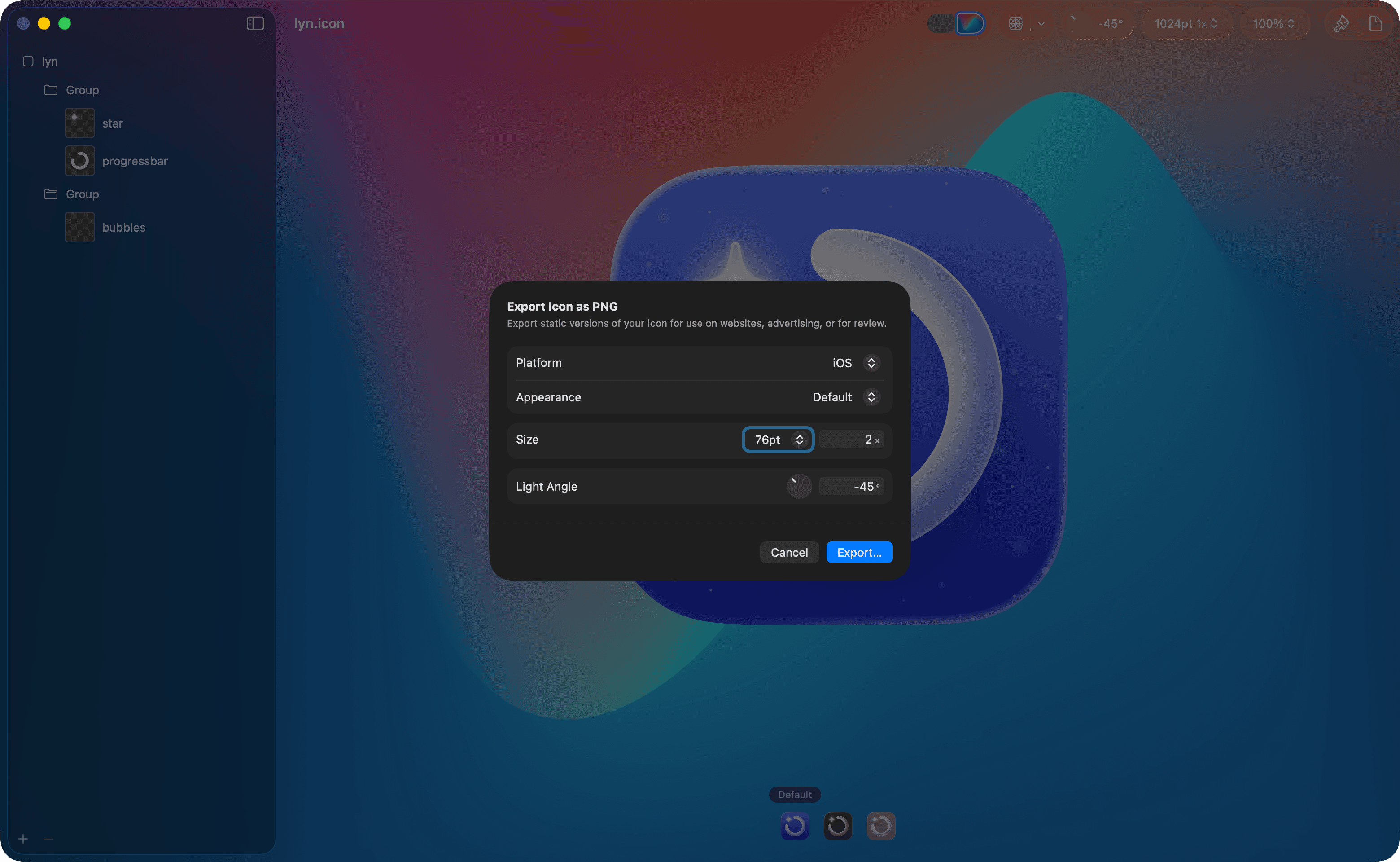
If you’re using Icon Composer, open your icon there and go to File > Export...
(⌘ + Shift + E) and export using a size of 76pt. This resolution is more than
enough for the navbar.
If you’re not using Icon Composer, just take a PNG of your icon from where you keep it and make it a reasonable size (around 80x80 pixels would be enough).
Add the icon to the project
Put the exported icon inside the public/ folder, naming it app_icon.png.
Generate favicon
Run the following command in your terminal from the root of your project:
npx app-view generate-faviconor if you need to customize the path to the icon file:
APP_ICON_PATH=./public/some_other_path.png npm run generate-faviconThis will generate a /public/favicon.png file that AppView will use
automatically.