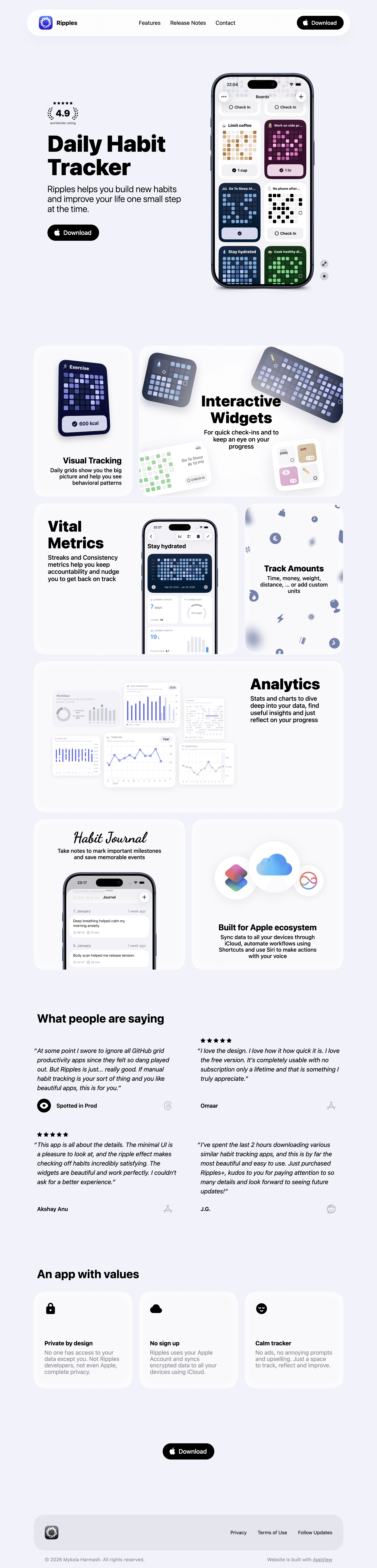
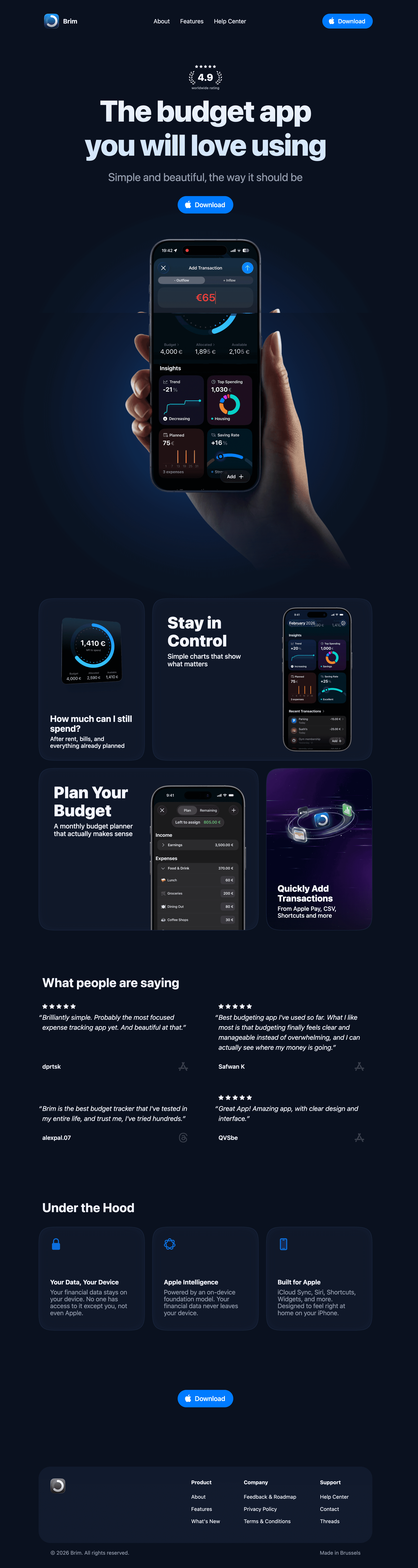
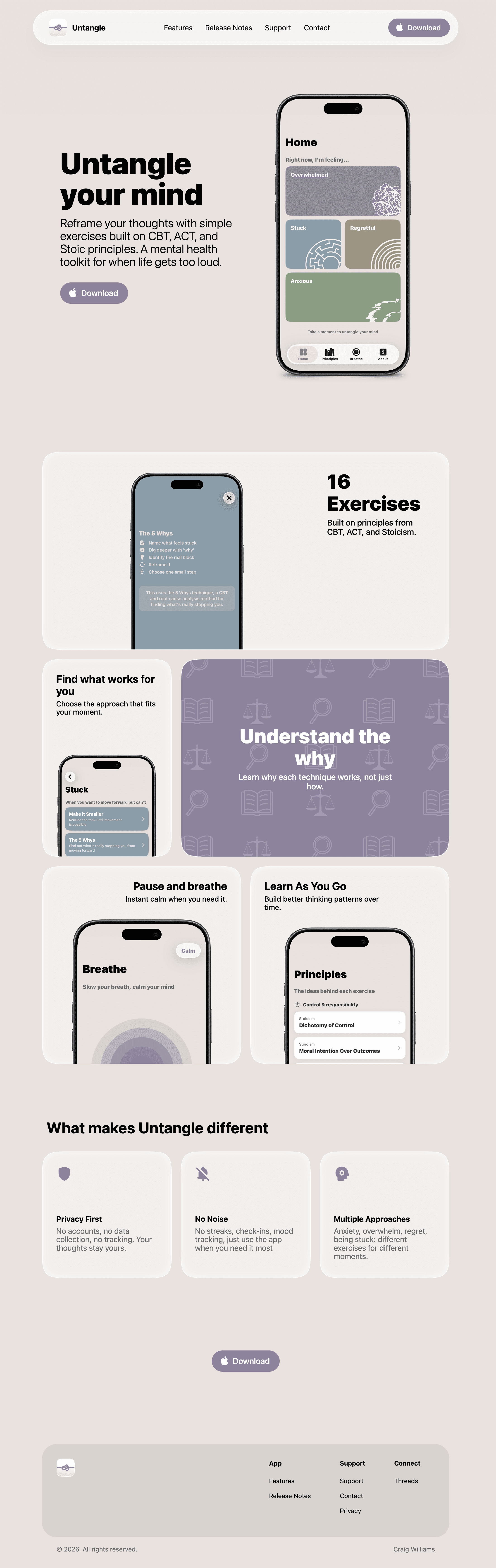
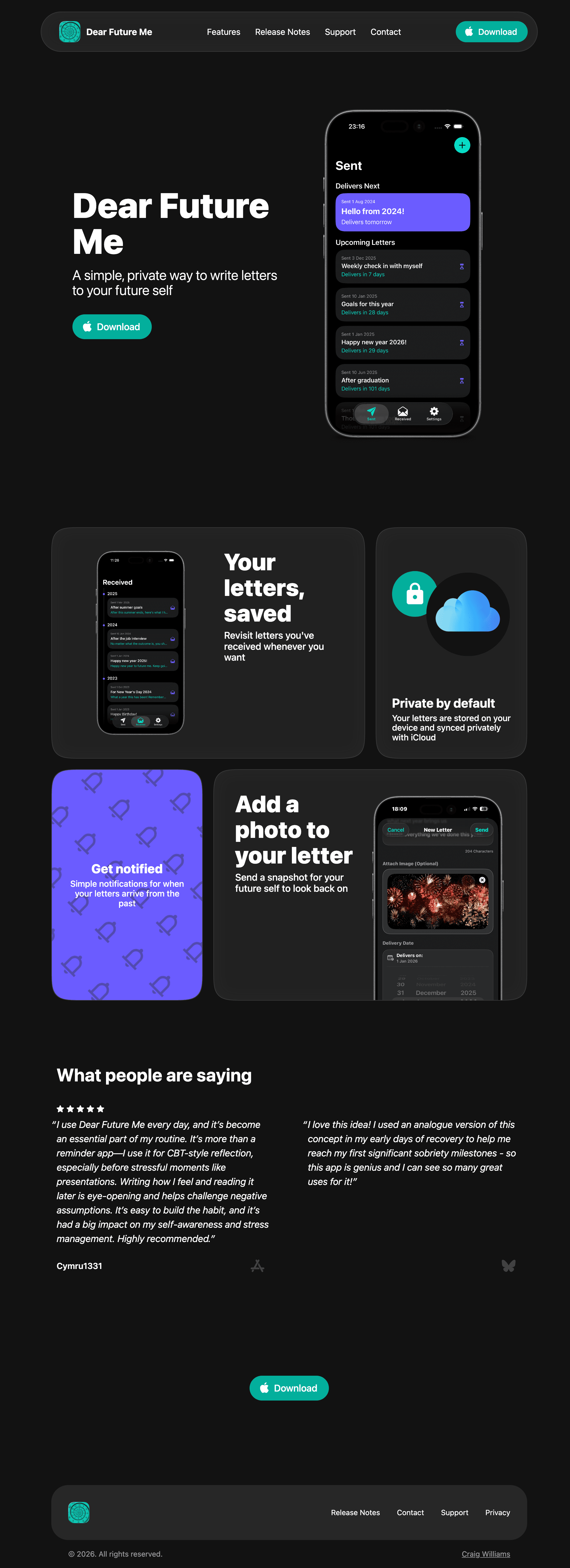
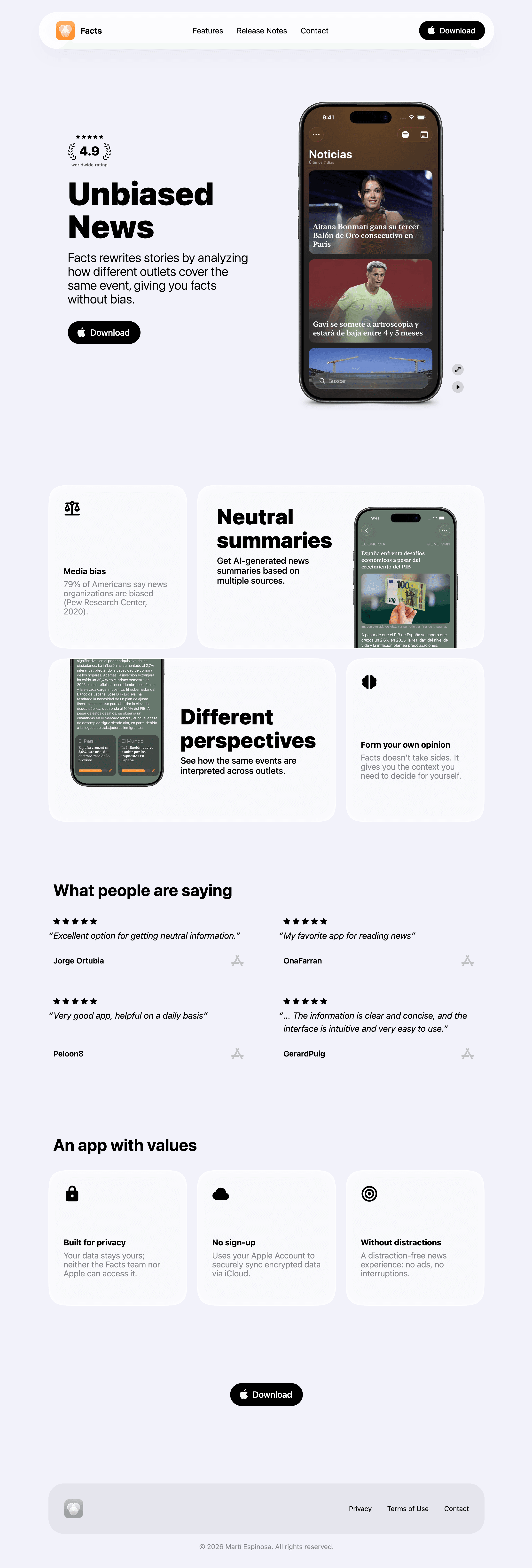

AppView is an opinionated website template built specifically for iOS app developers to show their apps to users and drive additional downloads from search results and AI bots.
Out of the box, you get a functional, optimized website that only needs screenshots of your app and a few copy changes.
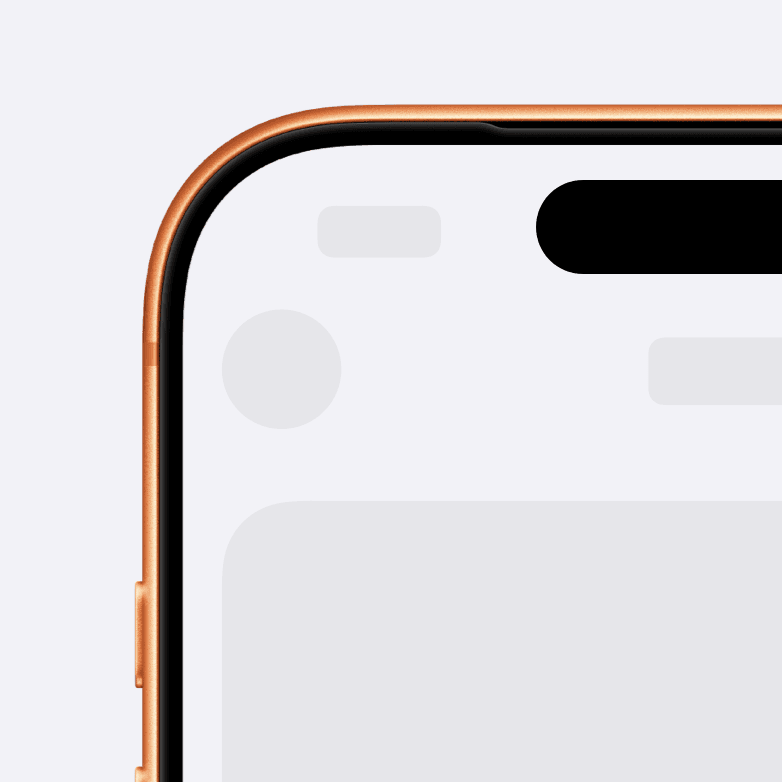
Automatic device bezels, dark and light modes, full responsiveness from mobile to desktop, SEO best practices, accessibility, professional design - all covered, and you don't need to think about it. See more features below.
No web dev skills needed. Everything is customizable through properties and constants, just like SwiftUI.
Documentation will guide you from running the template locally to deploying the production website and all the steps in between.

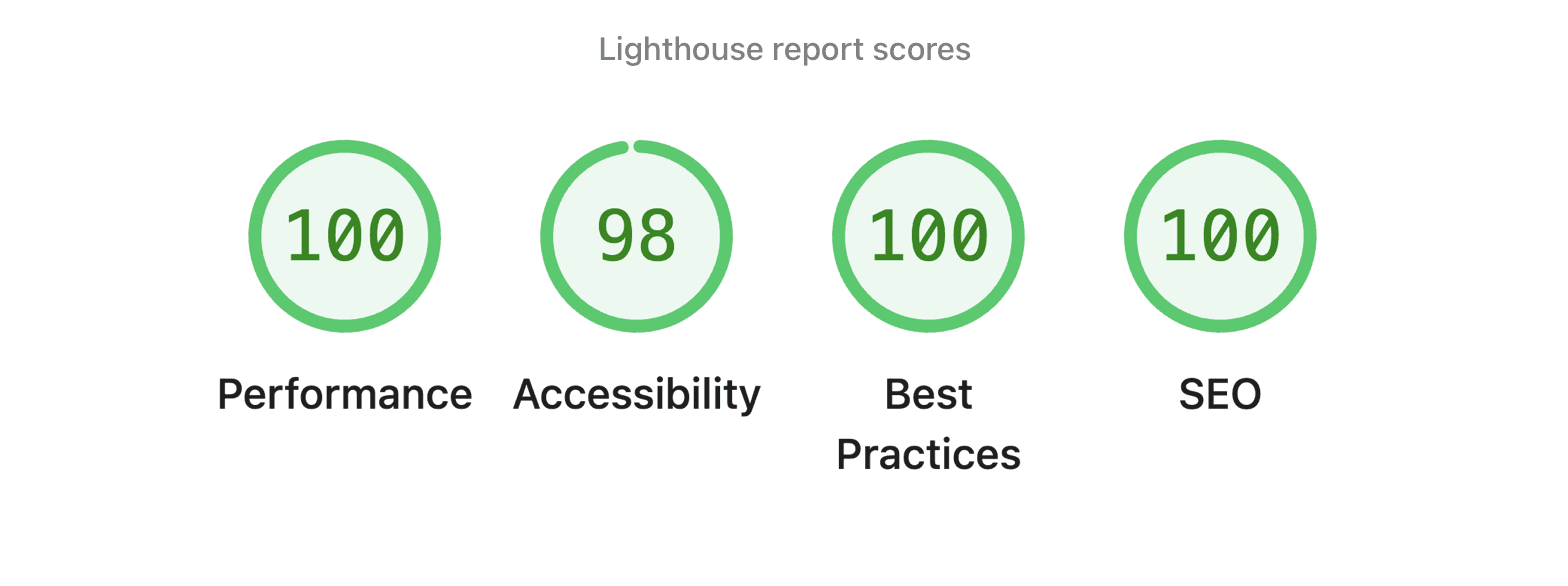

Fully accessible to screen reader users
Scales to all screen sizes
Dark and light modes that match the user's system appearance
A release notes blog to keep users updated and feed more content to search bots
20+ customizable components to build from
Built-in integrations with privacy-focused web analytics services like Plausible or Vercel
Helper tools to generate a favicon and Open Graph images for social media
Buy once, build unlimited websites

promo price ends in 3 days
“It’s exactly what I’ve been looking for! I was always getting too bogged down with website ideas for apps and ended up not even having a website for the longest time.”
Craig Williams
After purchase, you will receive an invite to a private GitHub repository with the complete AppView codebase and instructions on getting started.
When you run the project locally, out of the box, you get a fully functional website that only needs your app's screenshots and changes to the copy. Everything else is handled for you, including SEO, mobile and desktop layouts, color themes, accessibility, a release notes blog, and much more.
The core tech stack is TypeScript, React, and Next.js. Although AppView does not expect you to know any of those, everything is built to be customizable through constants and properties, similar to SwiftUI.
Documentation has a lot of information from the initial setup to the final production deployment.